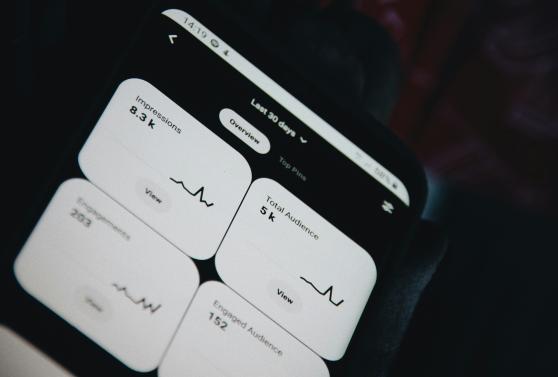




New Cookie Control user area

Our new user area has officially arrived! It features a fresh look and feel designed to match our updated Cookie Control site. While we’ve maintained all the core functions you rely on, the updated design significantly improves the flow and usability of the platform. We hope you enjoy using it as much as we enjoyed building it!


Your existing credentials work so you can login anytime! If you want to reset your password you can do so here.
With the new User Area, you can:
Access your licences and manage your account and domains more efficiently
Manage your profile and settings more easily
Track your consent analytics consistenly
Enjoy a faster, cleaner, and more intuitive interface
This update is part of our ongoing effort to make the platform simpler, smarter, and more valuable for you. Whether you’re a long-time user or just getting started, the new User Area puts everything you need right at your fingertips.
We will soon launch our Accessibility Scanner product, called Sarosi, and also more compliance products in the near future. The aim of the new user area is to access all of your products form a unified place so you can manage compliance with one login.
👉 Log in today to explore the new experience and let us know what you think. Your feedback helps shape what we build next!
Enhanced Configuration Preview
We have updated our Configuration Preview page. While it still generates the same reliable code blocks for your site, we’ve streamlined the layout:
Categorized Options: We’ve organized settings into distinct tabs, making it easier to find and update specific features.
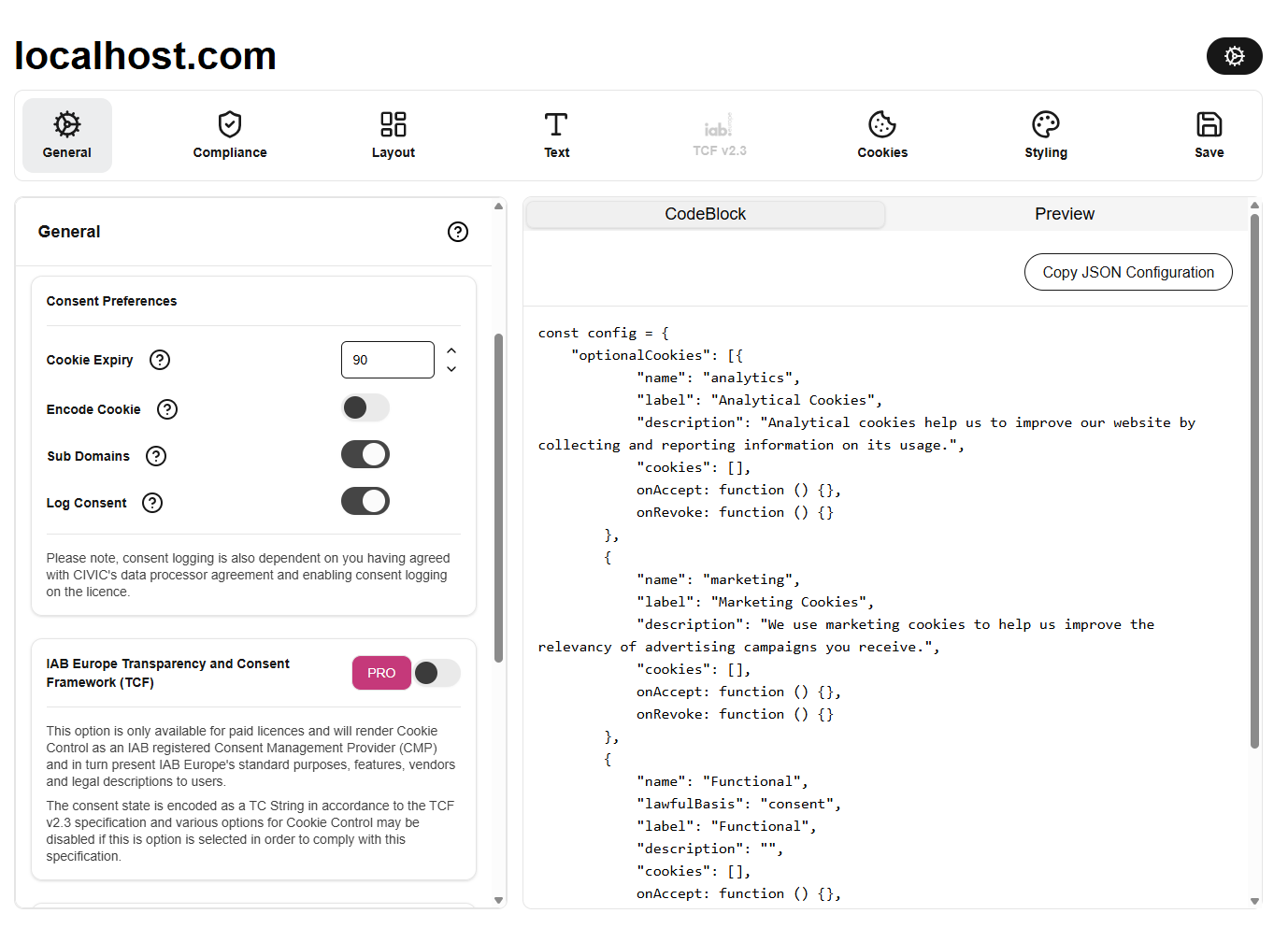
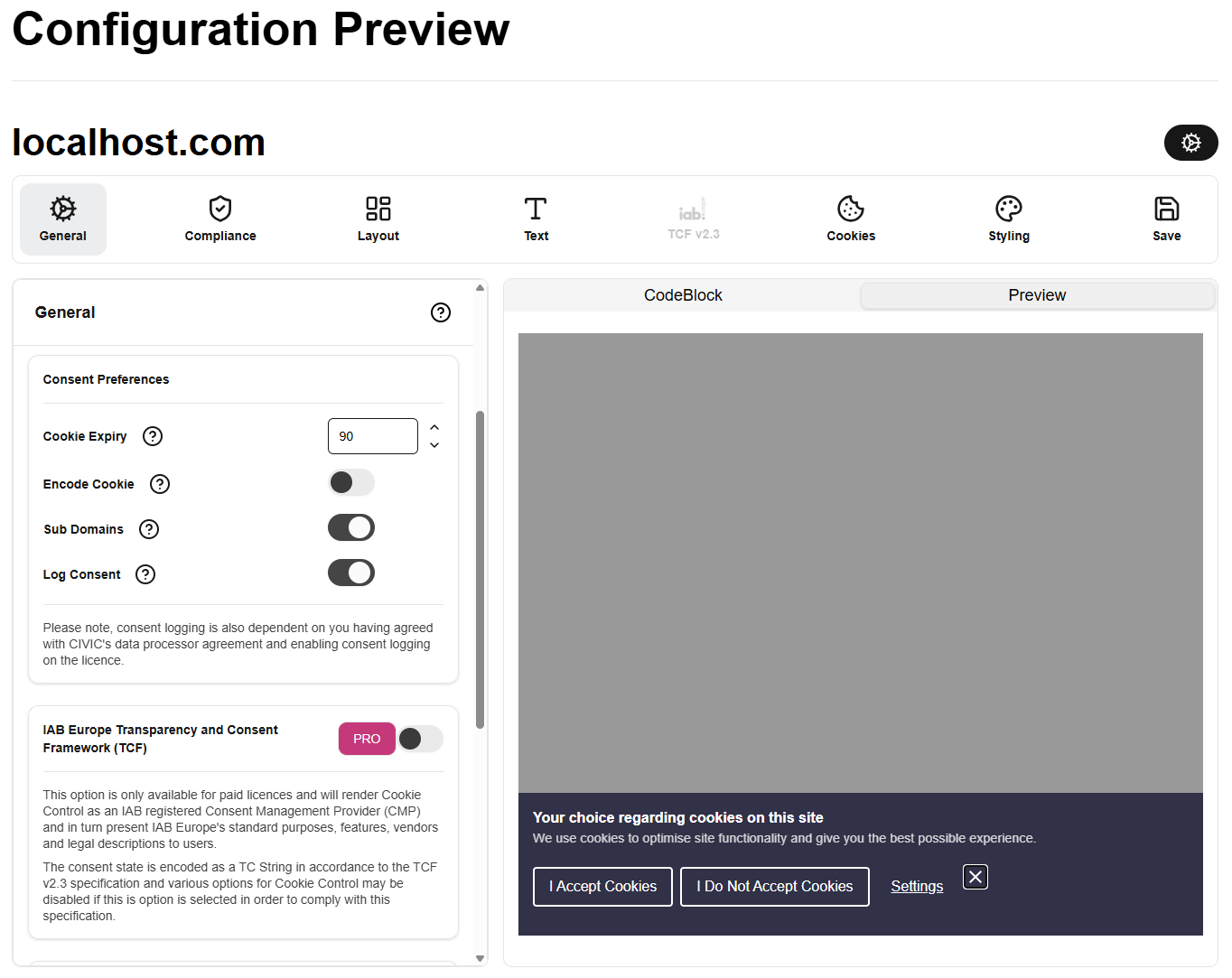
Live Preview: See your changes in action instantly before deploying.
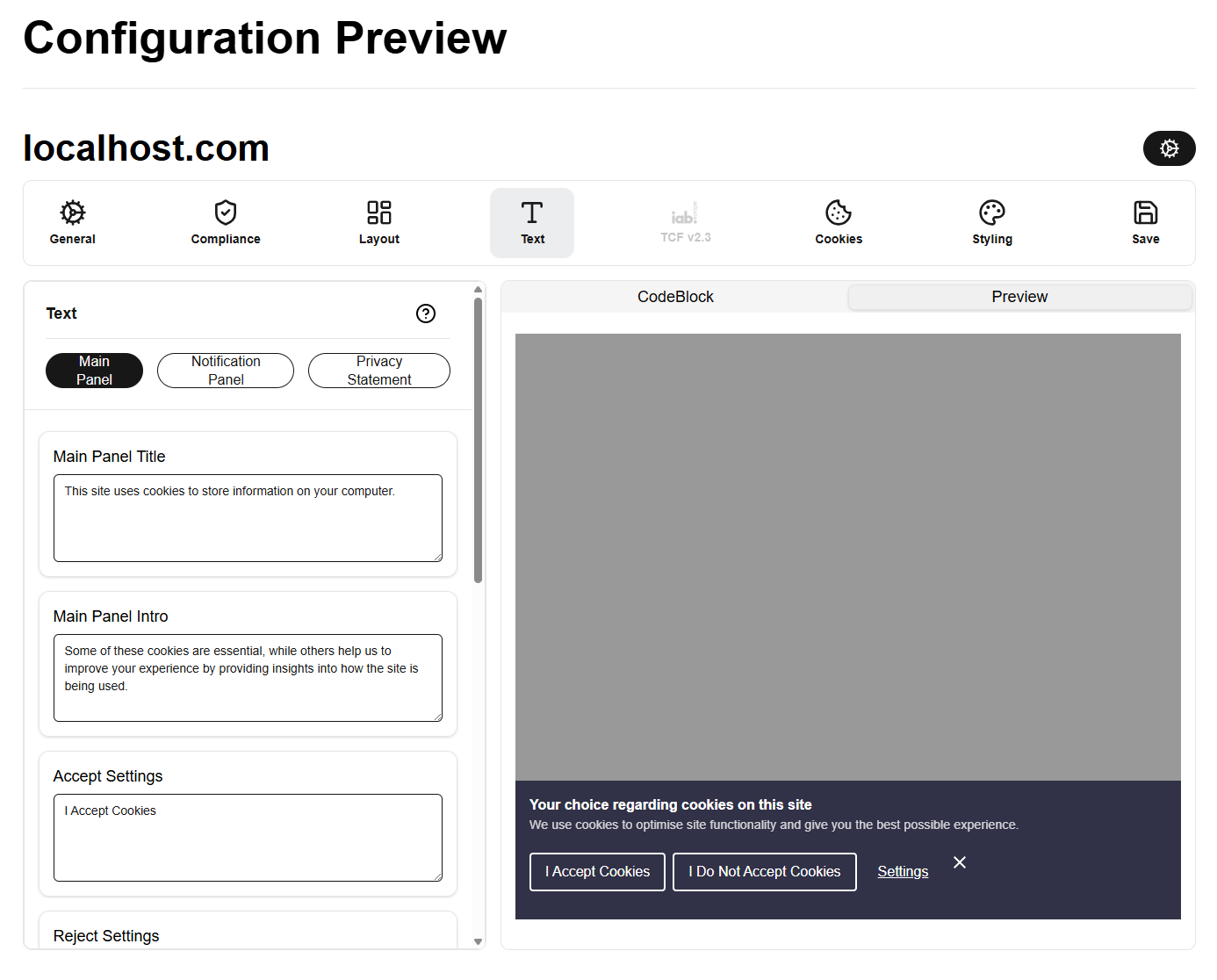
Detailed Text Control: We have expanded the available options for text and styling customisation.
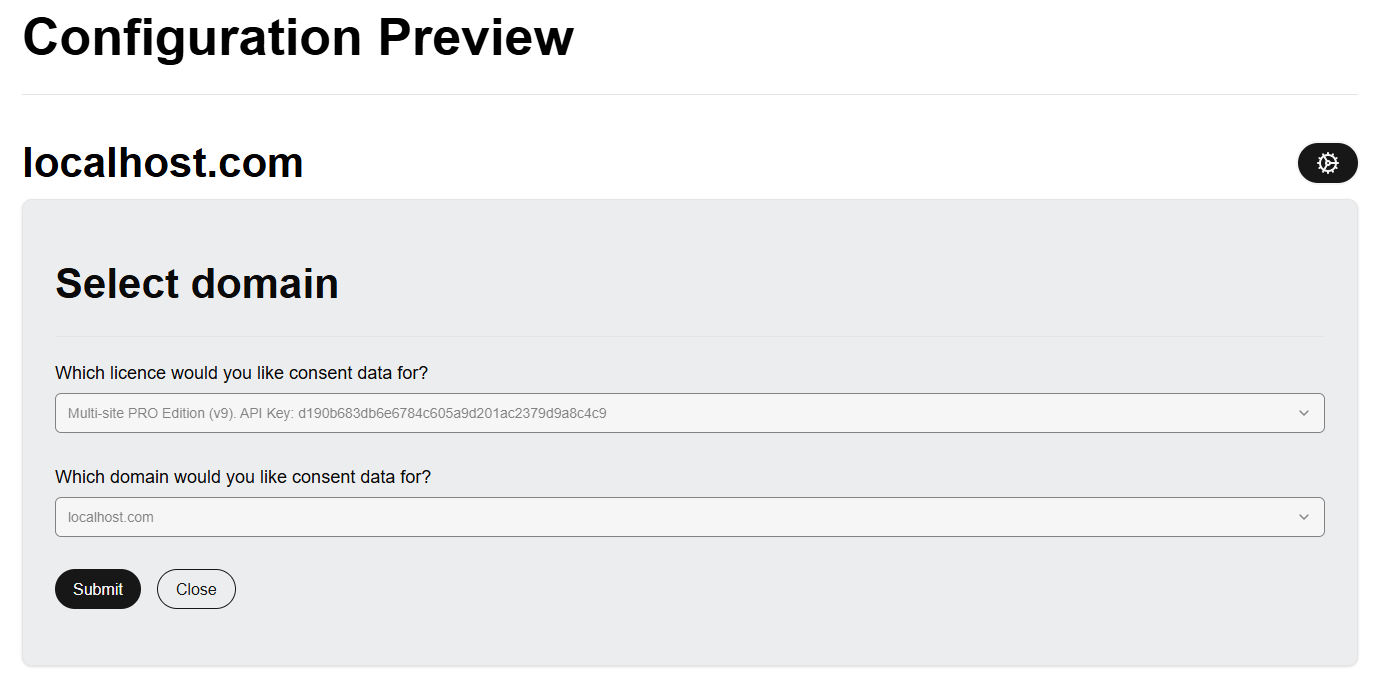
Domain-Specific Saving: Save distinct configurations for each domain on your license, making it easier to manage multiple sites or return to edits later.
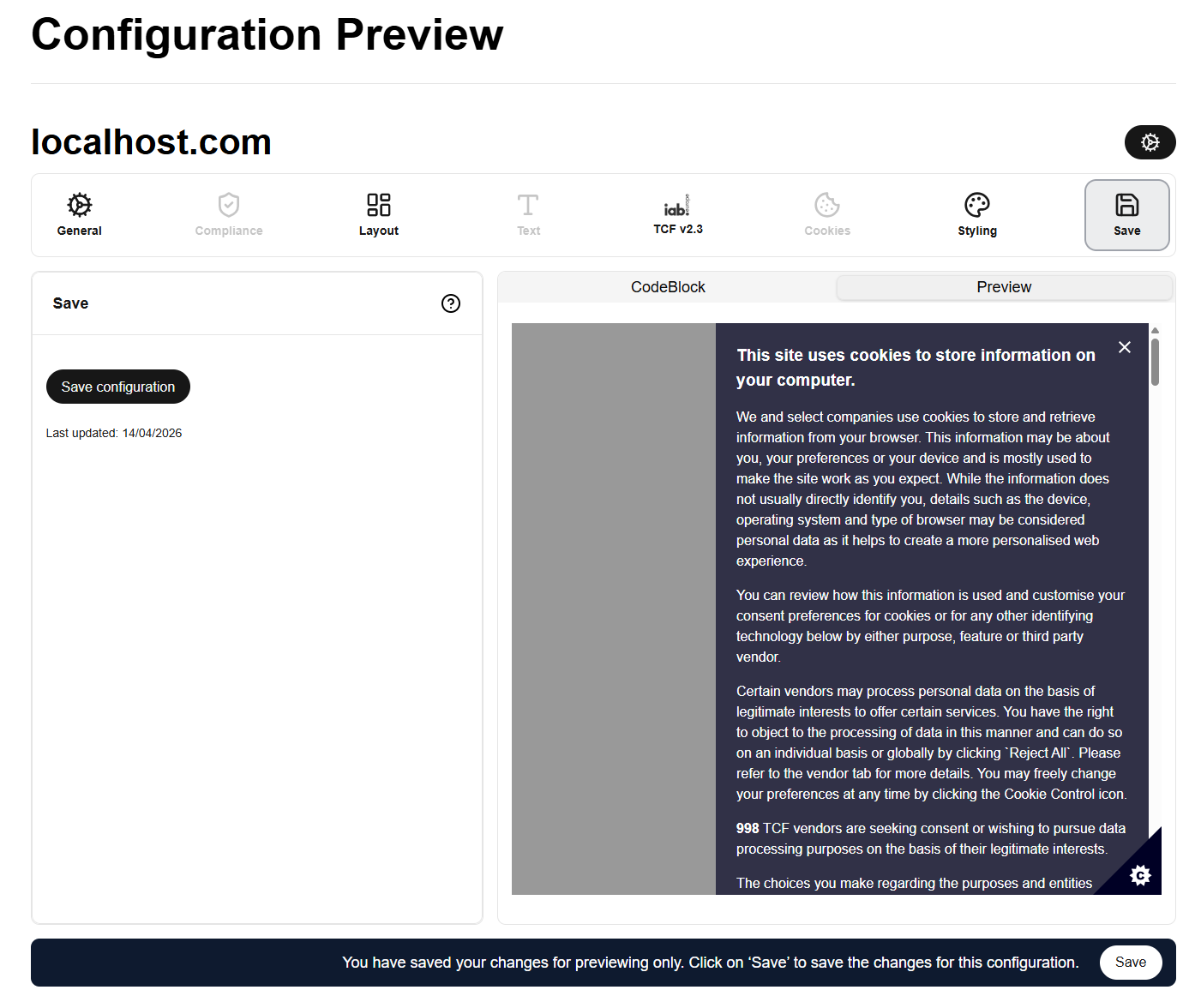
Existing Configurations: Users with previously saved configuration options on existing licenses will be able to find them within the new tool by selecting the associated domain from the settings menu.
👉 Log in today to explore the new experience and let us know what you think. Your feedback helps shape what we build next!